
DynamoHarry
vor 1 Jahr
DynamoHarry
hat den Post gelöscht.

Kostenlose, professionelle Weiterbildungskurse speziell für Mitarbeiter von Online Casinos, die darauf ausgelegt sind, das Wissen der Kursteilnehmer im Bereich Spielerschutz zu vertiefen sowie einen fairen und verantwortungsvollen Umgang mit Glücksspiel zu fördern.
Diese Initiative haben wir mit dem Ziel gestartet, ein globales Selbstausschlusssystem zu schaffen, das es gefährdeten Spielern ermöglicht, ihren Zugang zu allen Online-Glücksspielmöglichkeiten global zu sperren.
Diese Plattform wurde geschaffen, um all unsere Bemühungen einer breiten Öffentlichkeit zu präsentieren, damit unsere Vision einer sichereren und transparenteren Online-Glücksspielbranche auch in die Realität umgesetzt wird.
Ein anspruchsvolles Projekt, dessen Ziel es ist, die größten und verantwortungsvollsten Unternehmen im iGaming-Bereich auszuzeichnen und ihnen die Anerkennung zukommen zu lassen, die sie verdienen.
Sie werden in Kürze auf die Webseite des Casinos weitergeleitet. Bitte haben Sie etwas Geduld. Falls Sie einen Werbeblocker verwenden, überprüfen Sie bitte dessen Einstellungen.



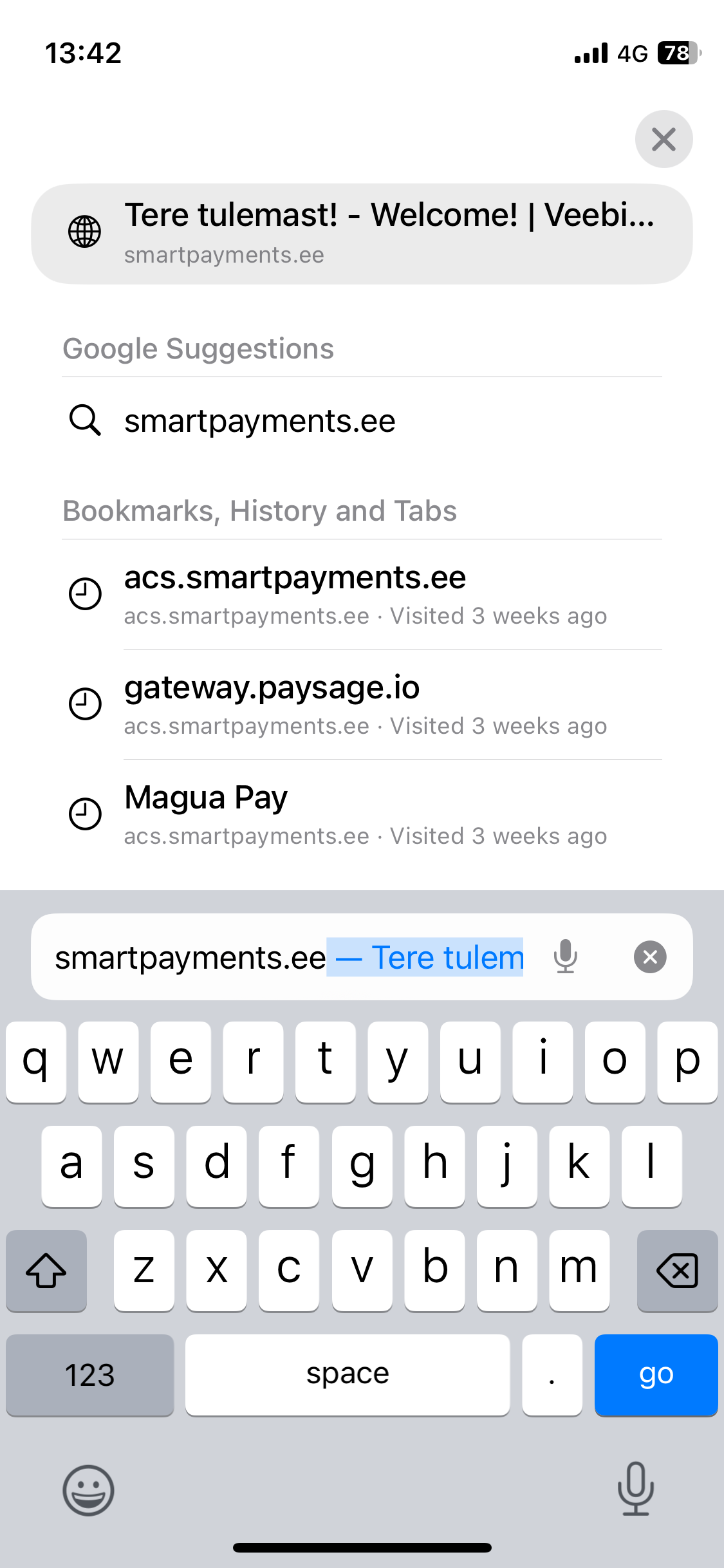 habe auf einen Link geklickt, der zur Anmeldung bei Kinghills führt. Ich bin mir sicher, dass ich ihnen vor einiger Zeit eine E-Mail geschickt habe, aber keine Antwort erhalten habe, smartpayments